Register your fireplace

Registering your fireplace helps us provide faster, more personalised support whenever you need it. We’ll store your details securely in accordance with our Privacy Policy.

Not sure where to find your serial number? Click here

Select your model
NX55
NX75
NX75
NB55
NB55
NX55
No items found.
LRFS1000
LEFS1000
LR1750
LR1550
LR1250
LR1000
LE1750
LE1250
LE1550
LE1000
LE800
EK50

(*) Indicates required fields.

Thanks! Your message has been sent successfully.
We’ll be in touch shortly.
Oops! Something went wrong while submitting the form.
Register your fireplace

Providing your contact details allows us to link your fireplace to you and offer faster, more personalised support whenever you need it.

(*) Indicates required fields.

Thanks! Your message has been sent successfully.
We’ll be in touch shortly.
Oops! Something went wrong while submitting the form.
Register your fireplace

Confirming where your fireplace is installed helps us support you more effectively whenever service or warranty assistance is required.

(*) Indicates required fields.

Oops! Something went wrong while submitting the form.
Your registration is complete

Now keep that beautiful warmth burning at its best for years to come – explore our guides for tips on operation, care, and maintenance.

FAQs

Where do I find my fireplace serial number?

Depending on your fireplace, your serial number can be found in different locations.

Gas Fireplaces

Via the remote display:


- Shake the remote to wake the display.
- Tap the three lines (Menu) at the bottom of the display.
- Go to Settings → Advanced → Information. Your serial number will be listed here.

Other locations:


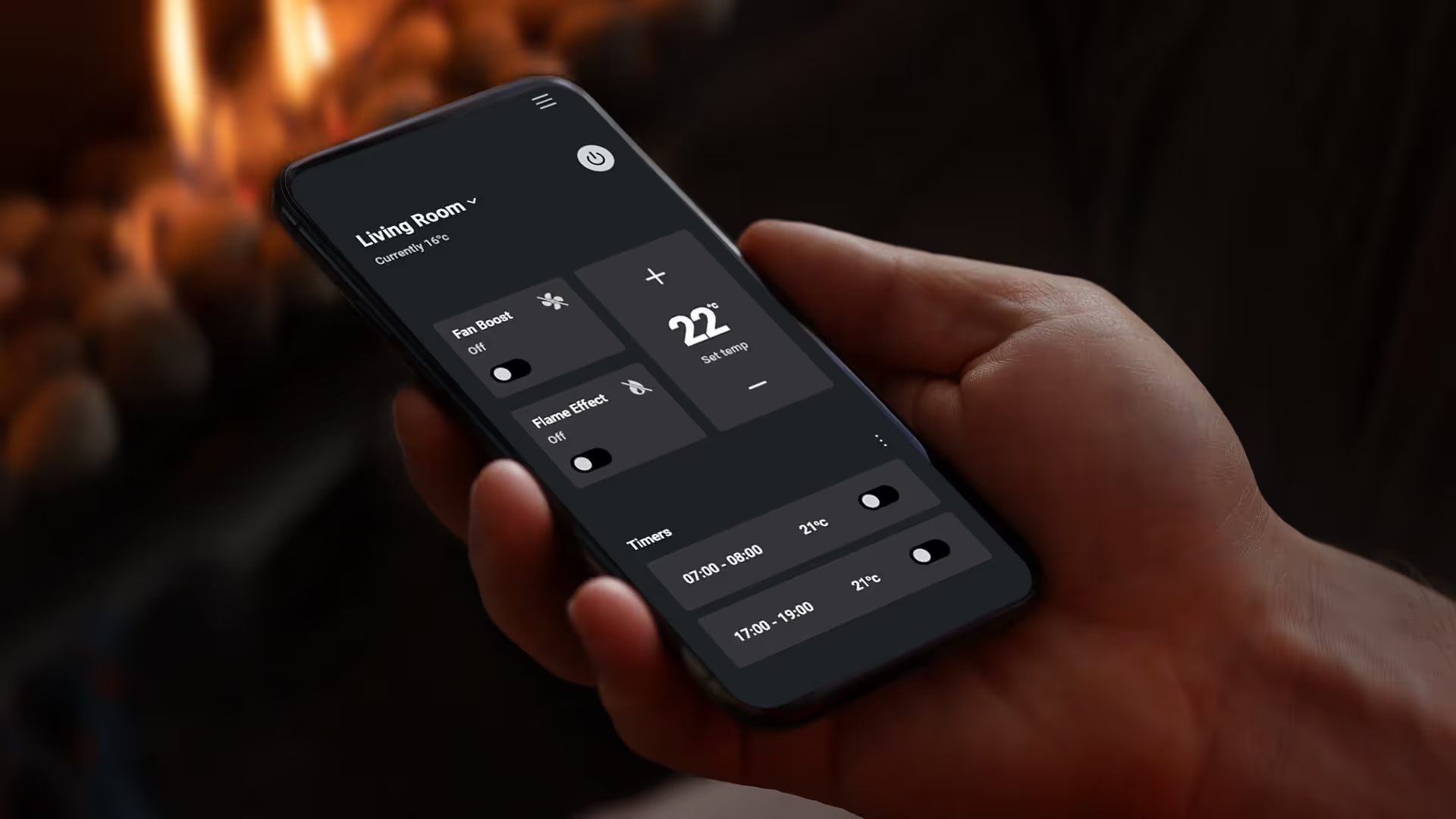
Smart Heat App (MK2 and above) — visible in the top left-hand corner of the app on the home page.
Owners Manual — printed on a sticker on the cover page. Quick Start Card included in the remote control's packaging.

Electric Fireplaces

Via the remote display:


- Shake the remote to wake the display.
- Tap the three lines (Menu) at the bottom of the display.
- Go to Settings → Advanced → Information.- Your serial number will be listed here.

Other locations:


Smart Heat App (MK2 and above) — visible in the top left-hand corner of the app on the home page.
Owners Manual — printed on a sticker on the cover page.
Quick Start Card — included in the remote control's packaging. For further specifications and detailed instructions, refer to your Owner or Installation Manual.

View More

Walk into Warmth

Download Escea’s SmartHeat App to control your gas or electric fireplace from your smartphone.